
Binance for Beginners: What to Know Before Your First Trade
New to Binance? Learn what to check before your first crypto trade, including identity verification, account security, order types, fees, and affiliate offer terms.
By Double Deal
Published Oct 1, 2026
App / Referral
Review at a glance

Piggy's Pick
Double Deal editorial summary
What we like
The guide brings together account verification, security, order types and fee checks to help beginners understand the steps before using Binance.
Things to consider
Service availability and offer eligibility depend on your location and account. Trading involves a risk of loss. An affiliate link does not guarantee a customer bonus or Double Deal Points.
Eligibility, prices and rewards can change. Confirm current terms with the provider before buying or joining. Participation does not guarantee earnings.
Explore related offers
Review current details, availability and terms on the provider's website.
Binance
View offer details →Affiliate disclosure: Double Deal may receive compensation when you use this link. Check the provider's current terms. Clicking this link does not award Double Deal Points.
The first time you open a crypto exchange, there is a lot competing for your attention: price charts, trading pairs, order buttons, and products you may never have used before. Before putting money into Binance, it helps to understand what you are signing up for and what happens when you place an order.
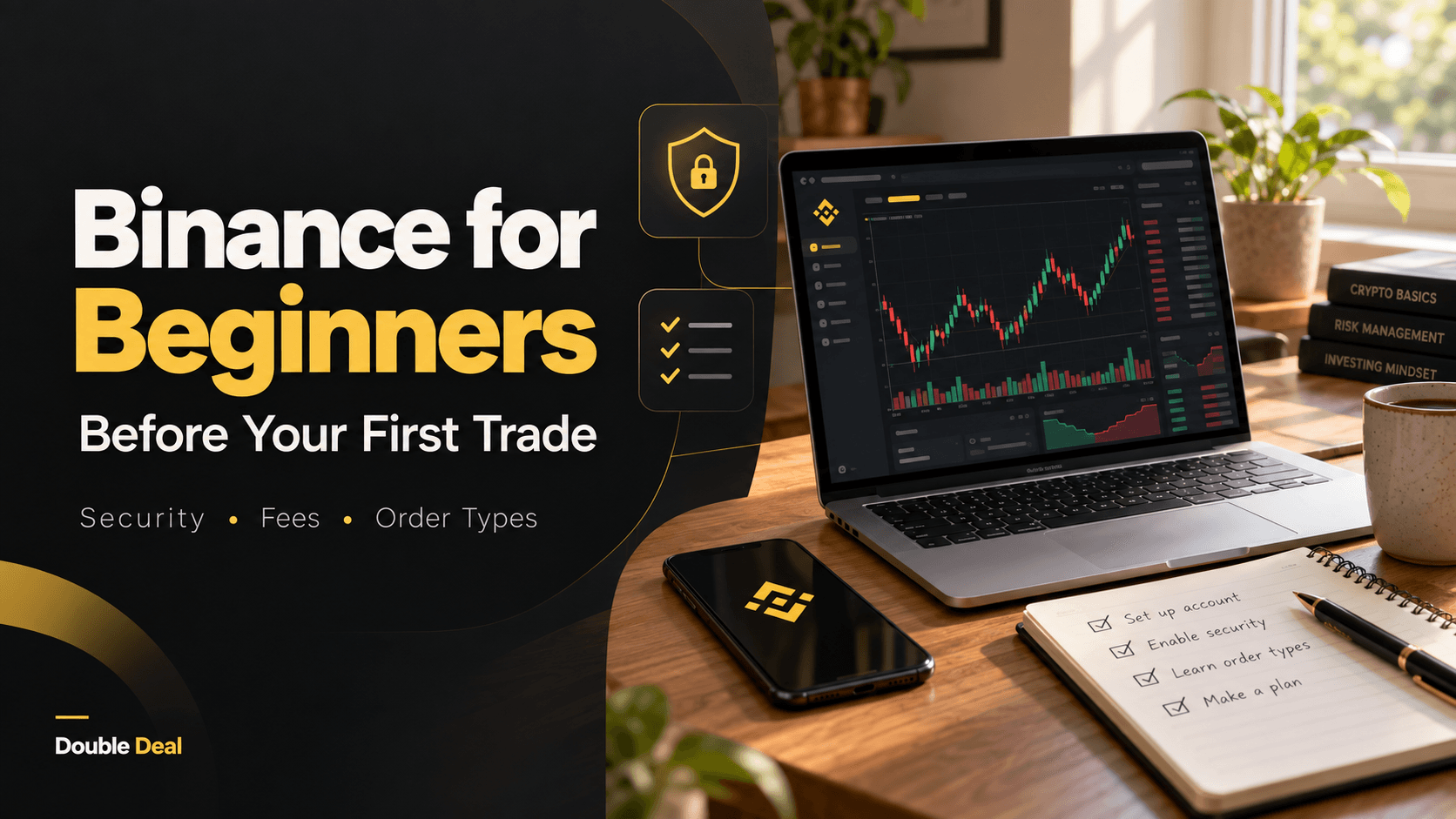
This Binance beginner guide covers the checks worth making before your first trade, from account verification and security to fees and the difference between placing an order and completing a trade.
Affiliate disclosure: Double Deal may earn a commission if you register and complete a qualifying action through our Binance affiliate link. This article does not promise a registration bonus, cashback, or Double Deal Points.
What Is Binance?
Binance is a platform for buying, selling, and exchanging digital assets. Its services include tools for converting one asset into another and a Spot trading interface where users can place buy and sell orders.
Availability varies by location and account. Before registering, check the services offered to residents of your country and the terms that apply to you. An affiliate link is not confirmation that every Binance product is available where you live.
Before You Fund an Account
A first trade involves real money. A promotion or referral link does not remove the possibility of losing it. Crypto prices can change sharply, and the amount you receive when selling may be less than you originally paid.
- Decide how much you can afford to lose without affecting bills or essential savings.
- Understand the asset you are considering, rather than choosing it because its price is moving.
- Check how you would withdraw funds and what that process could cost.
- Read any offer conditions before depositing money.
You can read the official Binance risk warning before deciding whether to proceed. This guide is educational and does not recommend a particular cryptocurrency.
Set Up and Secure Your Binance Account
Registration and identity verification are separate steps. Binance’s beginner guide explains that identity verification, also called Know Your Customer or KYC, is required before buying crypto. Follow the requirements shown in your own account.
Use accurate personal information and complete verification directly through Binance. Double Deal does not need your identity documents, account password, or verification codes.
Set Up Security Before Adding Funds
Use a unique password and enable the additional authentication options available in your account. Binance also offers an anti-phishing code to help users recognize its emails.
Keep recovery information somewhere secure. If someone contacts you offering to complete registration or trading on your behalf, do not give them access to your account.
The Binance account security guide explains the available protections in more detail.
Understand the Trading Screen Before Using It
A trading pair shows the two assets being exchanged. In a pair such as BTC/USDC, BTC is the base asset and USDC is the quote asset. The displayed price tells you how much of the quote asset is needed for one unit of the base asset.
Binance’s app guide describes opening the trading section, selecting Spot, and choosing a pair. The exact layout can change, so use the current official Spot trading instructions alongside what you see in the app.
Market Orders and Limit Orders
- Market order: Requests execution at available market prices. The final execution price can differ from the price you saw before submitting.
- Limit order: Lets you specify a price. It may remain open or fill only partly if the necessary market conditions are not met.
Submitting an order is not the same as completing a trade. Check its status and execution details instead of assuming that pressing the buy button means the transaction has finished.
Check the Full Cost of a Transaction
The amount you plan to trade is only one part of the calculation. Review the applicable trading fee and any separate payment, funding, or withdrawal costs.
Binance publishes a maker-and-taker fee schedule with different rates and discounts. Your applicable rate can depend on the account tier, trading pair, and current promotions. Check the live Binance fee schedule rather than relying on a rate quoted in an older article.
For example, if a transaction had a 0.1% trading fee, a $100 trade would incur a $0.10 trading fee before other costs. That is a calculation example, not a quote for your account.
Read First-Trade Offer Terms Carefully
If you arrive through a first-trade affiliate offer, read its conditions before funding an account. “First trade” alone does not explain which transactions qualify.
Questions worth resolving include:
- Does the offer require a completely new Binance account?
- Which countries and account types are eligible?
- Which transaction types count toward the offer?
- Is there a minimum deposit or completed trade value?
- Is there a deadline for completing the required action?
- Does the offer explicitly provide a reward to the user?
A publisher commission is not automatically a customer bonus. Likewise, being allowed to promote an offer with incentives does not mean that every visitor receives a reward.
If those details are missing, ask for clarification before making a transaction to qualify. Do not assume that a deposit, card purchase, conversion, or submitted order satisfies a first-trade requirement.
Your First-Trade Checklist
- Confirm availability. Read the terms that apply to your location and the service you want to use.
- Complete verification. Follow the identity checks shown in your account.
- Secure your login. Set up account protections before adding funds.
- Review the costs. Check funding, trading, and withdrawal charges.
- Understand the order. Confirm the pair, buy or sell direction, amount, and order type.
- Check the result. Review the order status, executed amount, price, and fees.
There is no need to rush through these steps. Understanding what the confirmation screen means is more useful than getting a first trade done quickly.
Frequently Asked Questions
Do I Need to Verify My Identity?
Binance’s beginner guide states that identity verification is required before buying crypto. Check your account for the documents and checks that apply to you.
Does Placing an Order Count as a Completed Trade?
An order can remain open without executing. Review its status and trade details. Affiliate qualification also depends on the specific offer terms.
Will I Receive a Bonus Through the Double Deal Link?
This article does not advertise a guaranteed user bonus or Double Deal Points. Any separate reward must be expressly stated in the relevant offer and meet its conditions.
Can I Lose Money Trading Crypto?
Yes. Price changes and transaction costs can leave you with less than you started with. A referral offer does not protect your trading balance.
Where to Go Next
If you are still learning, start with the official Binance beginner guide. It explains the platform’s main account and trading tools.
If you decide to explore Binance, review the current terms and available services before adding money.
Information checked October 1, 2026. Features, fees, availability, and offer conditions can change.
Explore related offers
Review current details, availability and terms on the provider's website.
Binance
View offer details →Affiliate disclosure: Double Deal may receive compensation when you use this link. Check the provider's current terms. Clicking this link does not award Double Deal Points.