Tonight’s dinner plan could start with a message: “Can you help me claim the free pizza offer?”
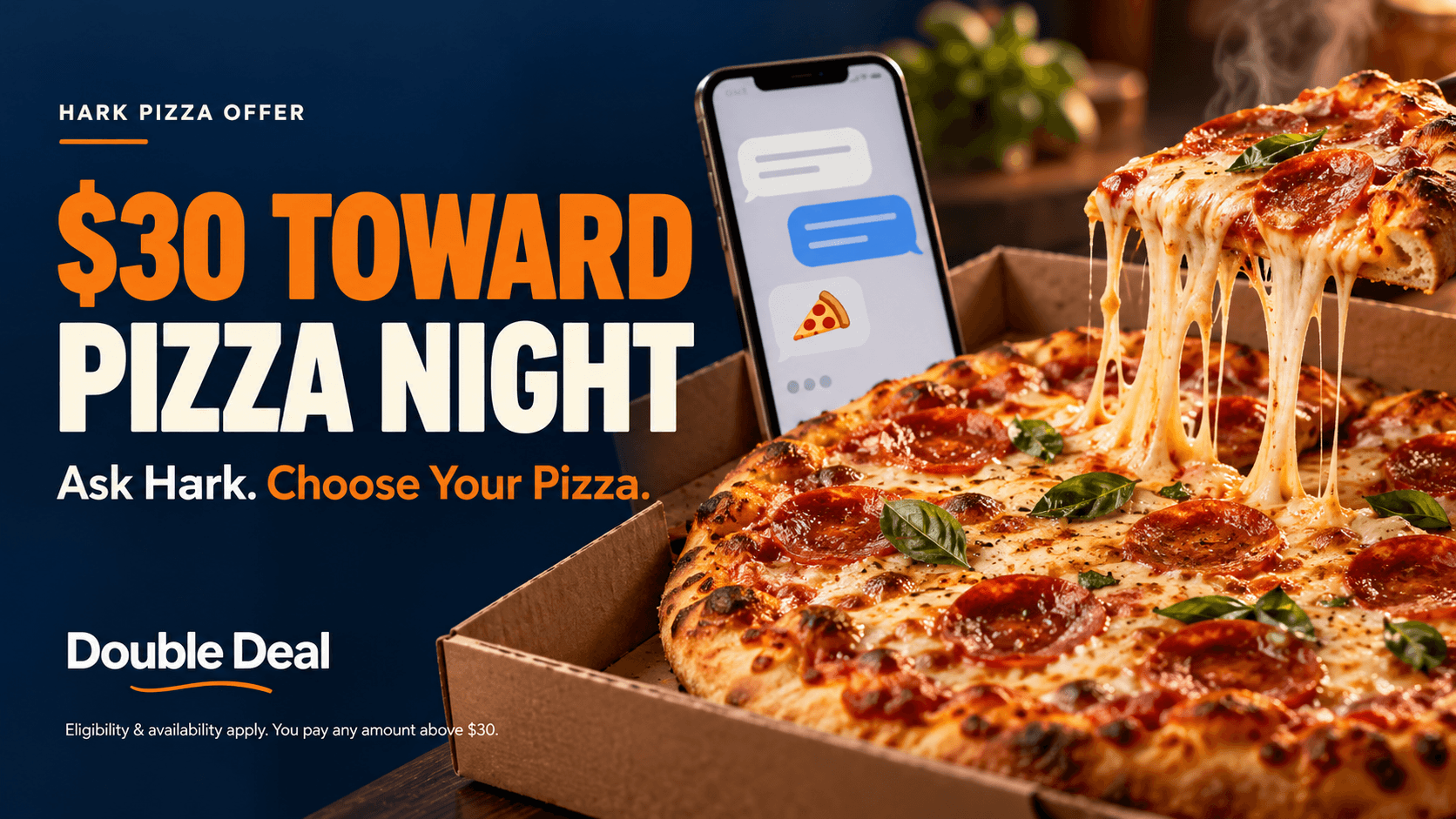
Hark’s pizza promotion puts its AI assistant to work: helping you choose a restaurant, build a DoorDash pizza order and apply a Hark-funded $30 gift card at checkout.
You choose the pizza. Hark helps arrange the order. Before anything is submitted, you review the details and approve any amount left to pay.
The important catch? This is not a $30 eGift code sent to your inbox. The credit is applied as part of the pizza-ordering process, and eligibility and availability requirements apply.
Availability: In a chat supplied to Double Deal, Hark directed the user to its mobile app and offered to begin the pizza process. That does not confirm a reserved credit or a completed redemption. Check current availability in your own app.
Start in the Hark App
In the supplied conversation, Hark said the free pizza offer must be claimed through its iPhone or Android app. It instructed the user to download the app, sign in with the same account and ask about the offer there.
A simple message to try is:
Can you help me claim the free pizza offer and explain any charges before ordering?
This starts a conversation about the promotion. It does not guarantee eligibility or credit availability.
Get the Hark App & Check the Pizza Offer →
Review the current offer terms before participating. Account setup and verification are required.
How the $30 DoorDash Offer Actually Works
Hark funds a $30 DoorDash gift card and applies it when submitting the pizza order it prepares for you.
The credit can cover food, taxes, delivery and service fees, and tip—up to $30 combined. Any amount above that is your responsibility.
For example, a $34 checkout total would leave $4 to pay after a $30 credit. That is an illustration; your actual total depends on the restaurant, items, location and charges.
Look at the final total, not just the pizza price. Hark’s terms say the order goes through only after you confirm.
Will Hark Send You an eGift Code?
No separate gift-card code is described in this offer. When asked directly in the supplied chat, Hark explained that it applies the gift card at checkout while ordering the pizza.
The official terms also say that if the order costs less than $30, the remaining balance stays in your DoorDash account for future orders, subject to applicable conditions.
Think of this as an assisted pizza-order promotion rather than a standalone gift-card request.
From First Message to Pizza Order
Open the Hark mobile app. Sign in and ask whether the free pizza offer is available to you.
Read the terms presented. Check eligibility and understand how the credit will be applied.
Provide your delivery address. Include the apartment or unit number and any necessary delivery instructions.
Verify your eligible mobile number. Complete the one-time-code step if required.
Choose a restaurant and pizza. Confirm the size, toppings and other order details.
Sign in to your own DoorDash account. Hark prepares the order for checkout.
Review and approve. Check the address, items, fees, tip and remaining payment before confirming.
An AI assistant can select the wrong item, size or address. Your review is an important part of the process.
Who Can Qualify?
The official terms describe eligibility for adults 18 and older residing in the 50 United States or Washington, DC, with an address DoorDash serves.
You need a Hark account in good standing, your own DoorDash account and an eligible mobile number. App-based, VoIP, landline and toll-free numbers do not qualify.
The offer is limited to one credit per:
Person and household.
Hark account and DoorDash account.
Phone number and payment method.
Additional exclusions apply, including Hark employees, contractors and their immediate families or households. Review the full terms before starting.
Do You Have to Connect Your Email?
The supplied chat included connecting email among its instructions. However, the official pizza terms explicitly say connecting Gmail or Outlook is optional, and users of other email providers can participate.
A connected mailbox can help Hark receive verification and order emails. If the app appears to require a connection, ask about the alternative before granting access.
Is a Paid Subscription Required?
The pizza-specific terms reviewed do not state that a paid Hark plan is required. Hark also describes a free tier alongside paid plans.
Review the plan shown to you and avoid treating a paid upgrade as a way to guarantee a pizza credit. Availability is a separate question.
What If the Offer Is Busy or Unavailable?
Hark may cap, change, suspend or end the promotion. Its terms also describe waitlists and ordering queues.
A chat response offering to start the process does not establish that a credit has been reserved. Ask Hark to confirm your current status before relying on the offer for dinner.
If a credit is unavailable, creating another account does not bypass the household and account limits.
Before You Confirm Checkout
Check the food: correct restaurant, pizza, size and toppings.
Check the address: including unit number and delivery instructions.
Check the credit: confirm the $30 is applied before approving.
Check your payment: understand the amount remaining after the credit.
Check dietary needs: verify ingredients and allergens with the restaurant yourself.
DoorDash handles cancellations and refunds under its own terms. Hark does not promise a replacement credit or replacement order.
Frequently Asked Questions
Can I claim the offer through the Hark website?
The supplied chat directed the user to the iPhone or Android app, consistent with the official offer’s app-based instructions.
Is this a free $30 eGift card emailed to me?
No. Hark describes applying a $30 DoorDash gift card at checkout for the pizza order it places.
Will I have to pay anything?
You pay any amount above the $30 credit and applicable later charges. Review the total before confirming.
What happens to unused credit?
The official terms say it stays in your DoorDash account for future orders, subject to applicable conditions. Hark may set an expiration date.
Does a positive chat response guarantee my credit?
No. Eligibility, verification, availability and the offer terms still apply.
Is DoorDash sponsoring the promotion?
No. The terms state that DoorDash does not sponsor the offer and is not affiliated with Hark.
Give Pizza Night a Different Starting Point
Open the app, ask about the offer and check what is available to you. If you qualify, Hark can help turn your pizza choice into an order—with $30 applied before you approve checkout.
Keep control of the final decision: confirm the food you want and the amount you are willing to pay.
Read the official pizza offer terms
Based on Hark’s official offer terms and a user-supplied chat, reviewed October 16, 2026. Double Deal has not completed a redemption or verified current credit availability. Hark administers the promotion; restaurant and DoorDash conditions apply.
Eligibility and important terms
For adults 18+ residing in the 50 United States or Washington, DC, with a DoorDash-served delivery address, a Hark account in good standing and their own DoorDash account. Limit one credit per person, household, Hark account, DoorDash account, phone number and payment method. Eligible mobile-number verification is required; app-based, VoIP, landline and toll-free numbers do not qualify. Hark applies a $30 DoorDash gift card at checkout for the pizza order it places after your confirmation. Food, taxes, delivery/service fees and tip are covered up to $30 combined; excess and subsequent charges are your responsibility. Unused balance remains in the DoorDash account subject to applicable conditions. Connecting email is optional. Hark may cap, waitlist, suspend or end the offer without notice. DoorDash handles cancellations/refunds under its terms; Hark does not promise replacement credit or a replacement order. DoorDash does not sponsor the promotion. Current credit availability has not been verified.
Check current pricing and terms on the merchant website before redeeming.